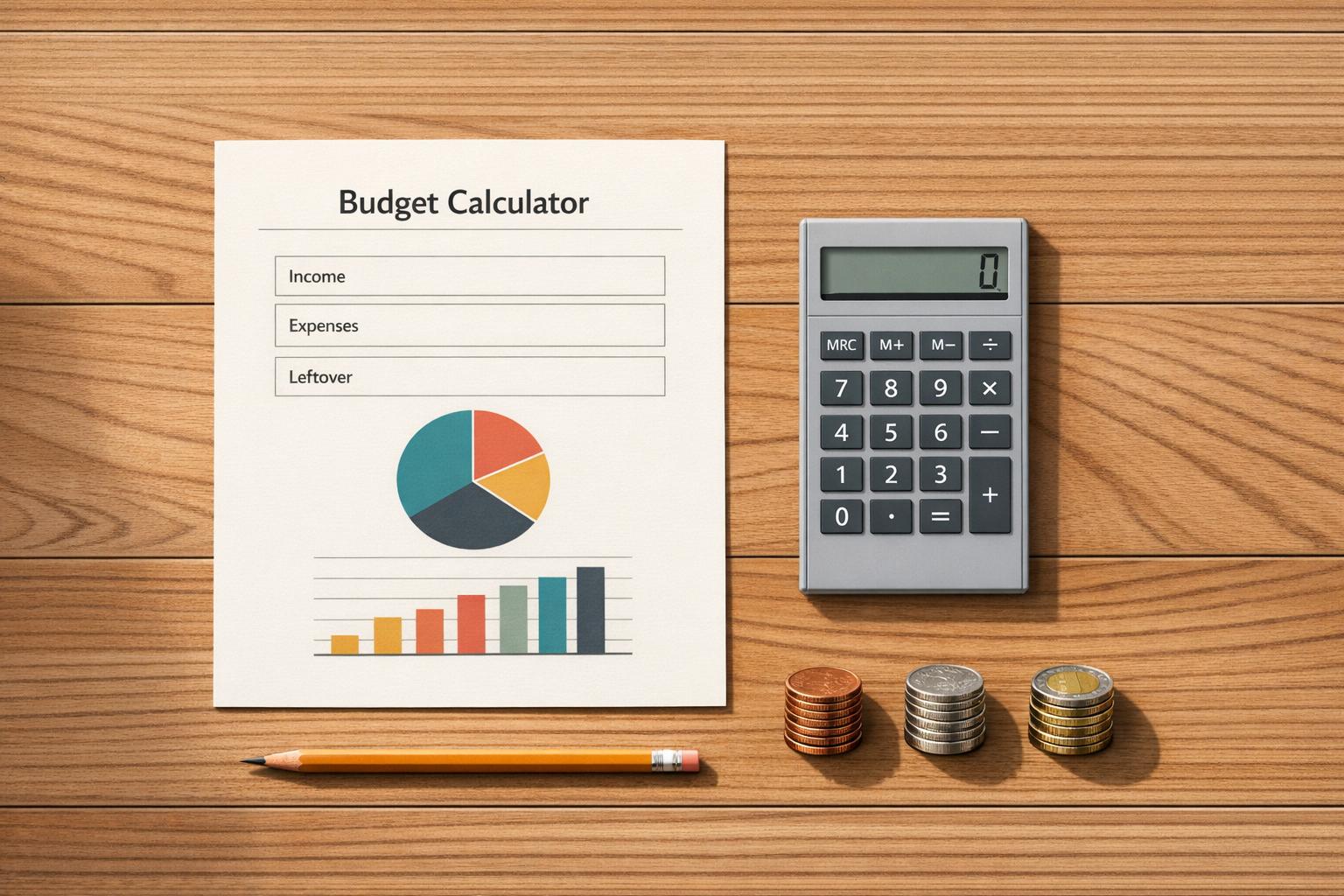
Budget Calculator
Get a clearer view of your monthly money
A Budget Calculator can make everyday money decisions feel much more manageable. Instead of guessing where your paycheck goes each month, you can plug in your income, add your regular bills, and quickly see how your spending compares to what you earn. That simple side-by-side view is often enough to reveal patterns that are easy to miss.
See income, expenses, and cash flow in one place
This tool is designed for anyone who wants a practical monthly budget planner without a steep learning curve. You can enter common household costs like housing, groceries, transportation, insurance, and debt payments, then review your total expenses along with any money left over. If your spending is higher than your income, the calculator makes that shortfall easy to spot.
Understand where your money is going
Beyond totals, this Budget Calculator helps you break down expenses by category so you can see which areas take up the biggest share of your budget. It also estimates your savings rate, which can be helpful if you're trying to build an emergency fund, pay off debt, or simply spend more intentionally. For a fast monthly budget check-in, this kind of budgeting tool can be surprisingly useful.
FAQs
What does this budget calculator show me?
It adds up your monthly income and monthly expenses, then compares the two so you can see your net cash flow. You’ll also get an expense breakdown by category, a savings rate based on your savings contributions, and a simple status message that tells you whether you're under budget, at break-even, or over budget.
What if I leave some fields blank or enter zero?
Blank fields are treated as 0, so you only need to fill in the numbers that apply to your situation. If you have categories with no spending for the month, you can leave them empty, and the calculator can also hide zero-value categories if you prefer a cleaner view.
How is the savings rate calculated?
The savings rate is calculated by dividing your monthly savings contributions by your total monthly income, then converting that number into a percentage. If your income is 0, the tool avoids division errors and shows income-based percentages as unavailable or 0, depending on the result display.